Boki Agents
Understanding Boki's AI agents — global chat, researcher, and reviewers
Boki Agents
Boki includes a family of AI agents that research, review, and assist — but never write your content. You write. Agents help you write better.
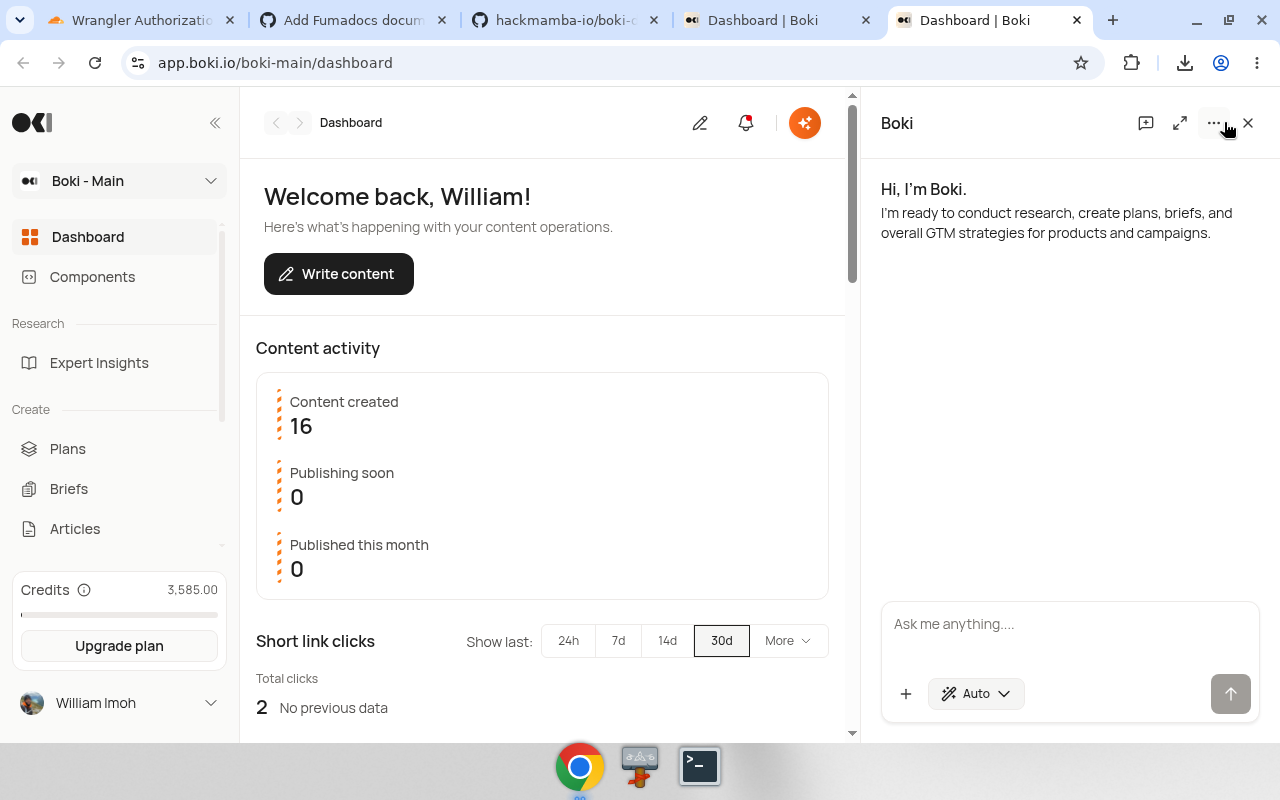
The agent family
Boki has five distinct agents:
Global chat agent
The orange sparkle in the top right corner of every page. This is Boki's primary interface. It can:
- Answer questions about your content
- Search the web for information
- Analyze your briefs and articles
- Coordinate with specialized agents
The global agent has two modes:
- Auto — Boki decides how to help
- Research — Focus on web search and source finding
Researcher agent
A specialized agent for deep research. When you ask Boki to research a topic, this agent:
- Searches the web
- Analyzes competitor content
- Identifies gaps and opportunities
- Suggests outlines and angles
The researcher produces artifacts: outlines, keyword clusters, source lists. These are currently in beta.
Technical review agent
Reviews content for technical accuracy. It can:
- Verify code snippets
- Fact-check technical claims
- Run code in a sandbox
- Identify inconsistencies
Requires at least 50 words of selected text.
Marketer review agent
Reviews content for marketing effectiveness. It evaluates:
- Structure and flow
- Funnel alignment
- Source quality
- Clarity and readability
Requires at least 50 words of selected text.
LLM search visibility agent
BetaScores your content against a specific question. This agent predicts how well an LLM would cite your content when answering that question.
Important: This is not classic SEO rank. It measures visibility in AI-generated responses — GEO (Generative Engine Optimization), not traditional search ranking.
Humans write, agents review
Every Boki agent follows one rule: agents never write your articles.
Agents can:
- Research topics
- Suggest outlines
- Review drafts
- Check facts
- Score visibility
Agents cannot:
- Generate full articles
- Replace your voice
- Make final decisions
You are the writer. Boki is your research assistant and reviewer.
How to access agents
Global chat: Click the orange sparkle on any page.
Inline in editor: Highlight text (50+ words) and click the sparkle, or right-click and select "Ask Boki".
From briefs: Use the chat while working on a brief to research and plan.
Further reading
- Chat with Boki — Tutorial for first-time users
- Auto vs Research mode — When to use each mode
- Agent reference — Full specification of agent capabilities