Settings reference
Reference catalog for all Boki settings sections
Settings reference
Complete reference for Boki's settings. Access settings from the gear icon or sidebar.
Settings structure
Settings are organized into two groups:
Personal settings
Settings that affect your individual account.
| Section | Description |
|---|---|
| Account settings | Name, email, profile |
| Plans & billing | Current plan, usage, upgrade options |
| Notifications | Email and in-app notification preferences (configure) |
| Connected accounts | Slack, Discord, and other integrations |
Workspace settings
Settings that affect the entire workspace. Require appropriate permissions.
| Section | Description |
|---|---|
| Workspace settings | Workspace name, defaults, configuration |
| Workspace limits | Usage limits and quotas |
| Agents | Agent context, MCP servers, MCP tokens |
| Members | Team members and roles |
| Content workflow | Workflow stages and approvals |
| Storage | Connected storage providers |
Agents settings
The Agents section controls how Boki's AI agents behave and what tools they can access.
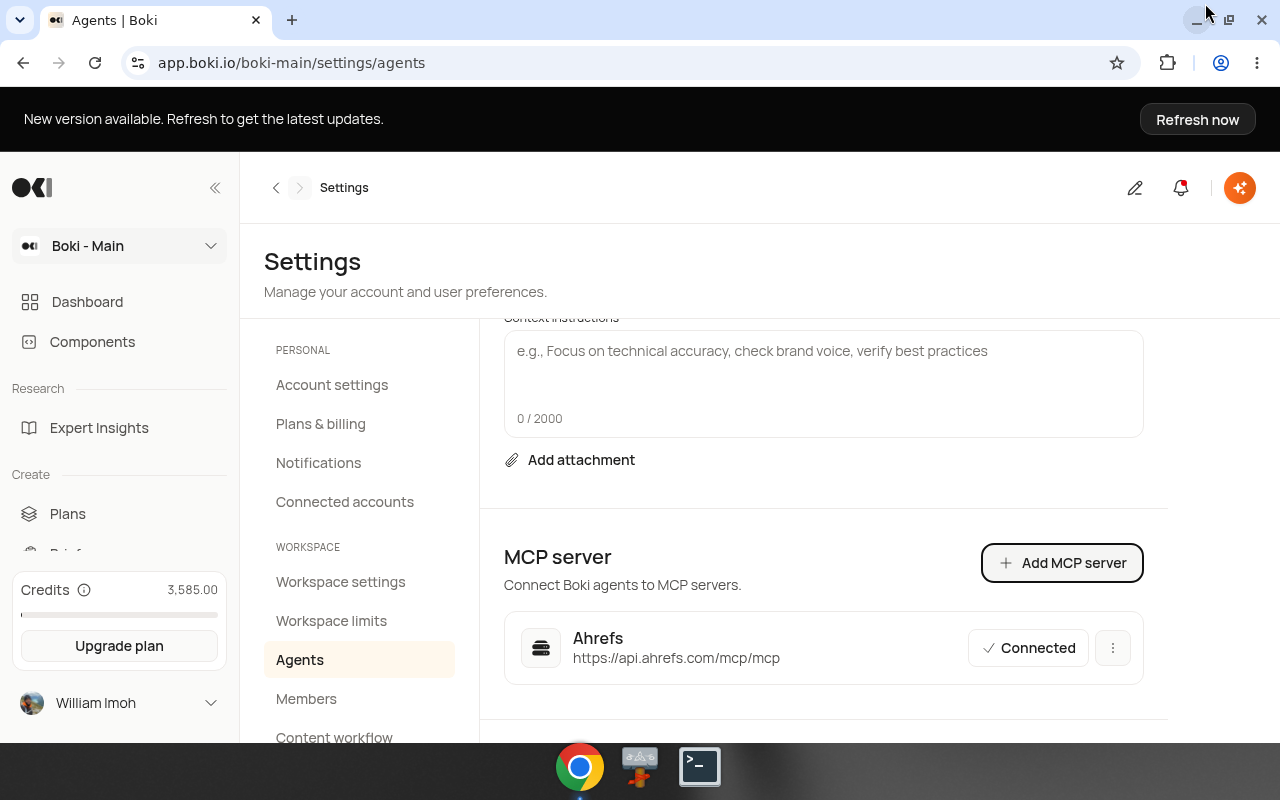
Content instructions
Free-text instructions that guide all agent responses. Up to 2,000 characters.
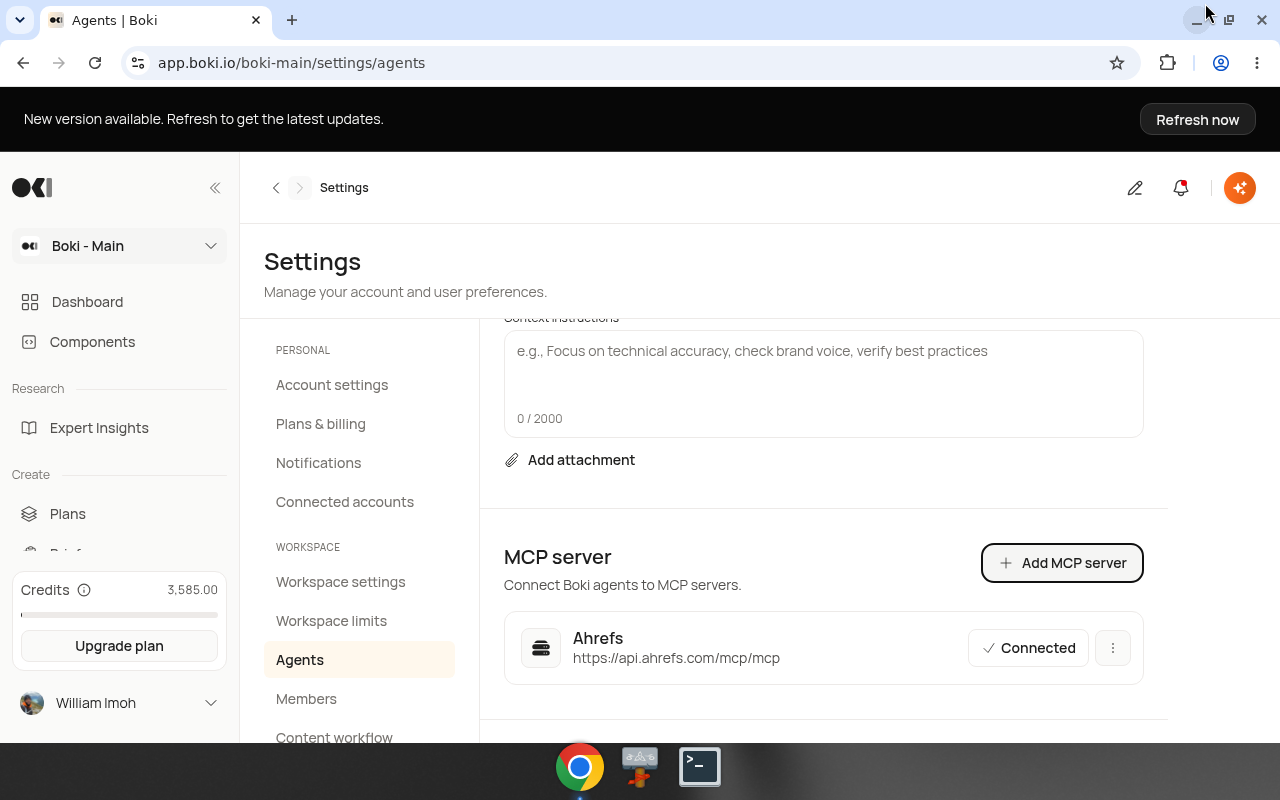
Example instructions:
- "Focus on technical accuracy"
- "Check brand voice"
- "Verify best practices"
You can also add attachments to provide additional context.
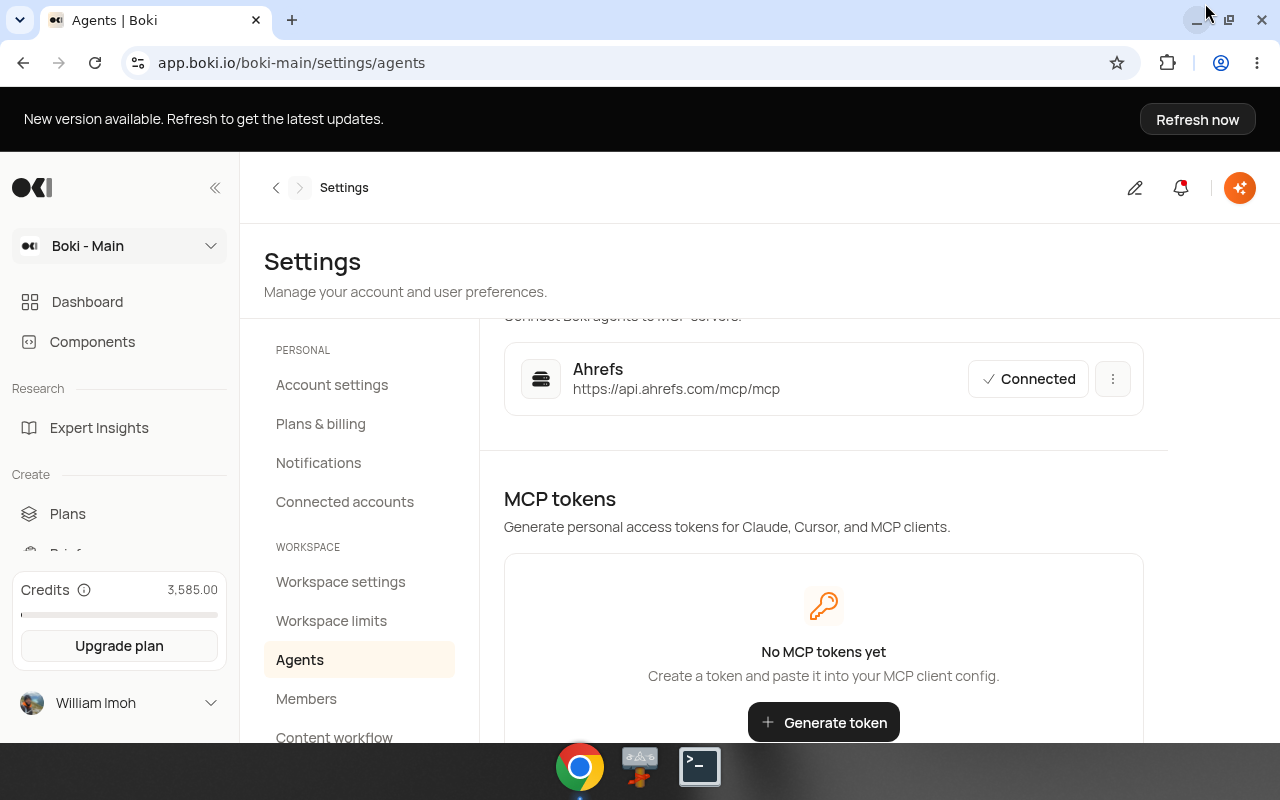
MCP client
Connect Boki agents to external MCP (Model Context Protocol) servers.
| Field | Description |
|---|---|
| MCP server URL | The server endpoint (e.g., https://api.ahrefs.com/mcp/mcp) |
| Name | Display name for the connection |
| Token | Authentication token for the server |
MCP server
Expose Boki as an MCP server to external clients (ChatGPT, Claude, Cursor, etc.).
Endpoint: https://app.boki.io/api/mcp
Authentication options:
- OAuth — ChatGPT and Claude connect via OAuth at the MCP URL. No token to manage. See How to connect ChatGPT or Claude.
- Personal access tokens — For Cursor and clients that need a pasted token. Tokens have a 30-day expiration, start with
boki_pat_, and are shown once at creation. See How to generate an MCP token.
Connected accounts
Integrations with external platforms for notifications and collaboration.
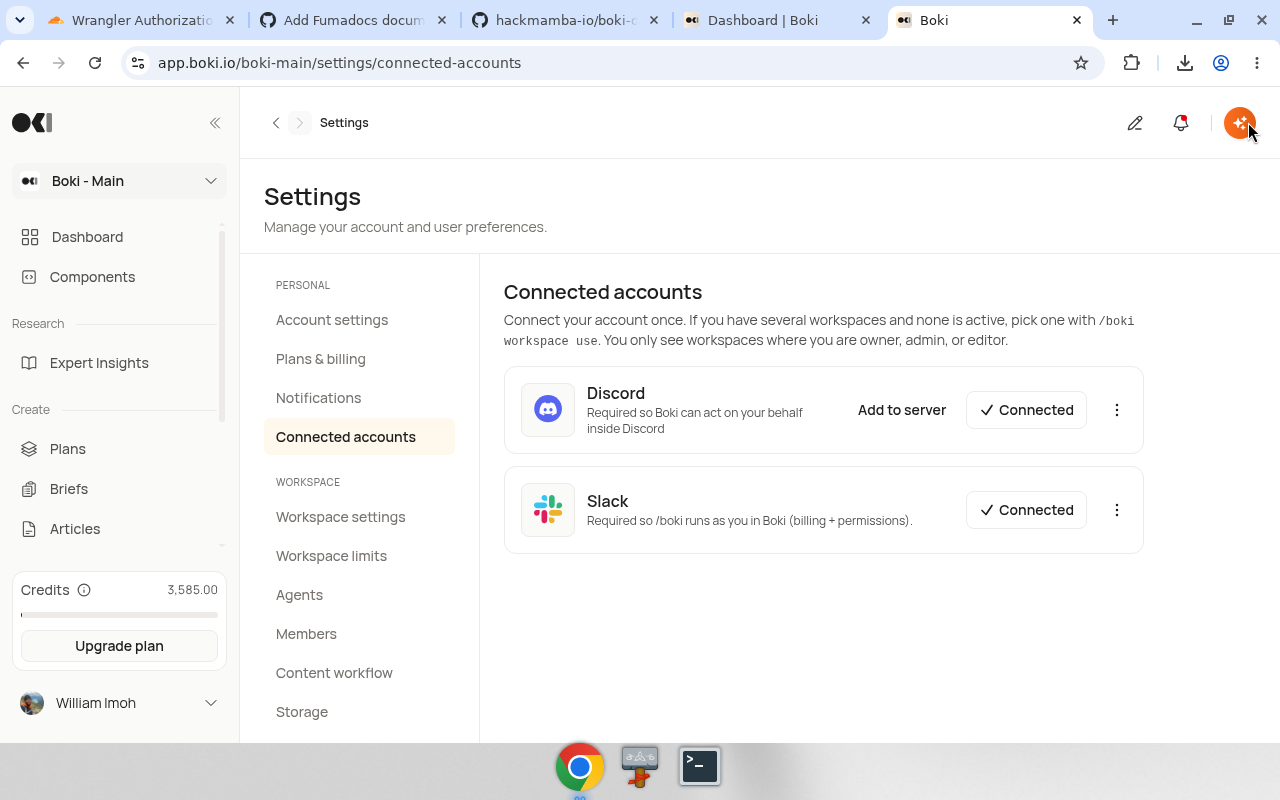
Supported platforms
| Platform | Purpose |
|---|---|
| Slack | Notifications and team collaboration |
| Discord | Community notifications |
Storage integrations
Mentioned in Terms of Service:
- Google Drive
- Dropbox
Workspace management
Members
Invite team members and assign roles. All plans include unlimited members.
Workspace limits
View current usage against plan limits:
- Documents per month
- Workspaces
- Connected social accounts
- Short-link redirects
- Agent runs (Marketer, Technical, LLM visibility)